Stop paying AWS to develop.
Run Step Functions free, locally, instantly.
Every time you run a Step Functions execution against AWS Console, you're paying for it and waiting for it. Thrubit runs your entire workflow locally: ZERO cloud cost, ZERO deploy time, ZERO internet required.
AWS Console is for production. Thrubit is for development.
Developing Step Functions directly against AWS means paying for every test run, waiting for deployments, and debugging from CloudWatch logs alone. Thrubit gives you a complete local environment, instant execution, a visual debugger, and ZERO AWS costs, so you only push to the cloud when your workflow is actually ready.
What developing directly against AWS actually costs you
AWS pricing is designed for production workloads, not development iteration. The costs add up fast when you're running dozens of test executions per day and that's before you factor in the time cost of every deploy.
| Cost Factor |
Thrubit (Local)
|
AWS Console
|
|---|
| Direct AWS Charges | ||
| Step Functions executions |
$0.00 — alwaysRun 1 or 10,000 executions. Every iteration costs exactly nothing.
|
$0.025 per 1,000 state transitionsStandard Workflows: first 4,000 free/month, then billed. Express Workflows billed on duration + requests — costs compound with complex workflows.
|
| Lambda invocations during dev |
$0.00Your Lambda code runs directly on your machine. No Function URLs, no invoke API, no billing.
|
$0.20 per 1M requests + duration chargesFirst 1M requests/month free — but duration costs apply every time. A busy dev day can consume that free tier quickly.
|
| Amazon Bedrock API calls during dev |
$0.00 — Bedrock mock built inEvery Bedrock call is intercepted locally and returns correctly-shaped responses. Claude, Titan, Llama, Nova — all free, all instant.
|
$3–$15 per 1M input tokens (model-dependent)Claude 3.5 Sonnet: ~$3/M input tokens, ~$15/M output. Testing AI workflows directly against Bedrock adds up to real money fast.
|
| SQS / EventBridge test messages |
$0.00Local SQS and EventBridge — no AWS API calls, no billing per message.
|
Low per-message cost but charges apply — and you need internet connectivity every time
|
| CloudWatch Logs during dev |
$0.00Real-time execution logs streamed locally — no CloudWatch ingestion or storage charges.
|
$0.50/GB ingested + $0.03/GB storedHigh-volume test runs generate significant log data — especially Bedrock token logging.
|
| Time Cost Per Iteration | ||
| Deploy Lambda changes |
0 secondsSave the file. Run the workflow. Your updated code executes immediately — no package, no upload, no deploy command.
|
30 seconds – 3 minutes per change
sam build + sam deploy or zip + aws lambda update-function-code every time you change a Lambda. Adds up to hours per week. |
| Deploy state machine changes |
InstantEdit your ASL JSON directly in Thrubit. Changes apply immediately — no CloudFormation update, no stack deployment.
|
1–5 minutes via CloudFormationEvery ASL change goes through a CloudFormation stack update. Console edits are faster but risky on shared dev environments.
|
| Debug a failed execution |
Immediate — visual graph, click any stateThe failed state lights up on the graph. Click it to see the exact input, output, and error message instantly.
|
Open CloudWatch, filter logs, parse JSONExecution details live in CloudWatch Logs Insights. Running a query, reading through log events, and correlating across Lambda + Step Functions logs takes minutes per failure.
|
| Iterations per hour (typical) |
30–60+ iterationsEdit → Run → Debug loop takes seconds. No waiting for deploys or log propagation.
|
5–15 iterationsEach iteration requires deploy + execution + log retrieval. A 2–5 minute round-trip per change is common.
|
| Connectivity & Environment | ||
| Works offline / without internet |
Yes — fully offline after installAirplane mode, coffee shop with spotty wifi, corporate network with service restrictions — Thrubit runs identically everywhere.
|
No — requires internet at all timesEvery execution, every log fetch, every deploy requires a live connection to AWS endpoints. Connectivity issues break your dev loop.
|
| AWS credentials required |
Not needed for local developmentNo AWS account, no IAM user, no credentials file. Onboard a new developer in minutes — not days.
|
Required for everythingEvery developer needs configured AWS credentials with appropriate IAM permissions. Credential rotation, MFA, permission scoping — all overhead before a single line of code runs.
|
| Shared dev environment conflicts |
None — fully isolated per developerEach developer runs their own local Thrubit instance. No shared state machines, no stepping on each other's test executions.
|
Common problem on shared dev accountsMultiple developers deploying Lambda versions or state machine definitions to the same account creates conflicts, overwrites, and confusing execution history.
|
| Onboard a new developer |
Download the app, point at the projectNew team member can run their first Step Functions workflow locally within 5 minutes of sitting down — no AWS setup, no IAM ticket, no waiting.
|
Days, not minutesIAM user creation, MFA setup, policy configuration, credential distribution, AWS CLI setup, SAM/CDK installation, first full deploy. Common blocker for new developers.
|
| Developer Experience | ||
| Visual state machine debugger |
Real-time visual graph, built inWatch each state transition live. Click any state to inspect its exact input, output, and error. No log parsing.
|
AWS Console Step Functions UIThe AWS Console has a visual graph for completed executions — but it only shows you after the fact, and requires navigating to CloudWatch for Lambda logs separately.
|
| 60+ prebuilt workflow examples |
Healthcare, fintech, logistics, AI, aerospace — all with ASL, Lambda functions, and sample inputs. Run any of them locally in seconds.
|
AWS provides some sample templates and documentation — but you must deploy them to test them, and they don't include Lambda implementations.
|
| Cost to run 1,000 test executions |
$0.00Run as many executions as you need. There is no meter running.
|
$25–$200+ depending on complexity1,000 executions × avg. state transitions × $0.025/1,000 + Lambda duration + CloudWatch Logs. Complex workflows with Bedrock calls can cost significantly more.
|
Why local development with Thrubit beats cloud-first for Step Functions
AWS is the right place to run your production Step Functions workflows. It's not the right place to develop them. Here's why that distinction matters.
sam deploy, no waiting for CloudFormation. Change your ASL? It's immediate. The time you reclaim from eliminated deploys is typically worth 10–20× the cost of a Thrubit license.Thrubit for development. AWS for production.
These tools aren't competing — they're complementary. Thrubit belongs at the beginning of your workflow; AWS belongs at the end.
- Writing and iterating on ASL state machine definitions
- Developing and testing Lambda function logic
- Building and testing AI workflows with Bedrock
- Debugging workflow failures with the visual debugger
- Onboarding new developers to a Step Functions project
- Demoing workflow behavior to stakeholders or clients
- Exploring the 60+ prebuilt workflow examples
- Working offline or in connectivity-restricted environments
- Running production Step Functions workflows at scale
- Final integration testing against AWS Console services
- Pre-production staging with real data
- Deploying finished, tested workflows to customers
- Using real S3, DynamoDB, RDS integrations
- Monitoring production executions with CloudWatch
The workflow: develop and debug in Thrubit → deploy to AWS when it's ready. You push to the cloud less often (only when your workflow is proven to work) and with more confidence (because you've already run it dozens of times locally).
From zero to running your first local workflow in under 2 minutes
No AWS account. No credentials. No deploy. No waiting.
Download Thrubit for macOS or Windows. Double-click to install — it's a native desktop app, no CLI setup, no npm install, no Docker required. Opens in seconds.
Open Preferences and point Thrubit at your project folder. It auto-discovers all Lambda functions from your template.yaml — or just paste an ASL JSON directly to start immediately.
Click Run. Your state machine executes completely on your machine — zero AWS charges, zero deploy time, real Lambda code, real Bedrock mock responses. Watch it on the visual graph in real time.
Once your workflow is tested and working locally, deploy to AWS using SAM, CDK, or Serverless Framework — confident that it works before it ever touches the cloud. Fewer deploys, fewer production surprises.
Questions about going local with Thrubit
If your team currently develops Step Functions workflows directly against AWS, here are the questions we hear most often about making the switch to local development.
Stop paying AWS to develop. Start developing locally.
Download Thrubit and run your first Step Functions workflow locally — free, instant, and completely offline. No AWS account. No credentials. No deploy. ZERO AWS costs.
What teams are saying
Real feedback from engineers, trainers and decision makers.
“Thrubit cut our Step Functions debugging cycle from 15 minutes per iteration down to seconds. The visual trace is worth the price alone. It’s become an essential part of our development workflow.”

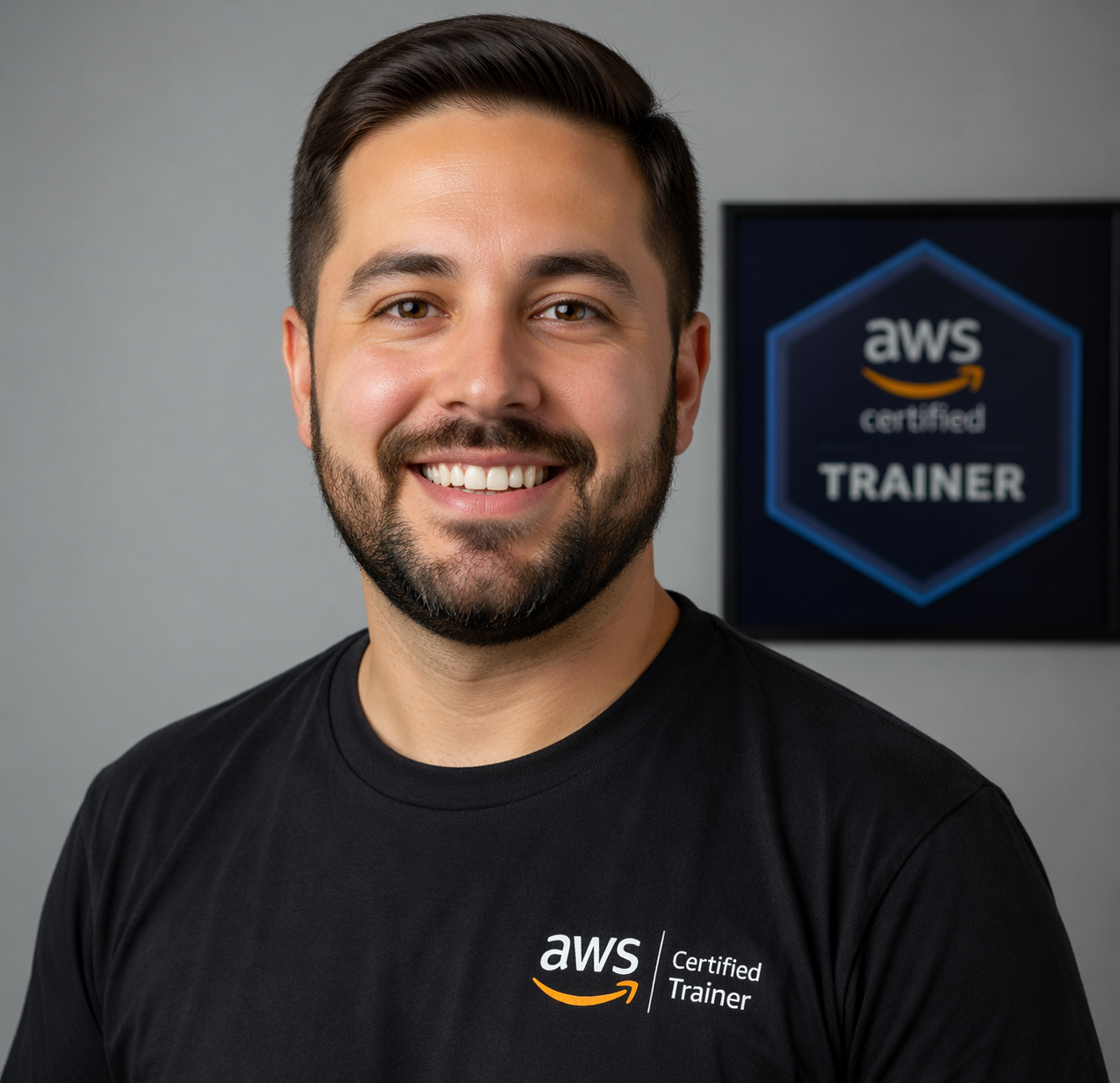
“I was looking for ways to make Step Functions and Lambdas more tangible for students. Thrubit makes it significantly easier to visualize workflows and experiment locally, accelerating real understanding.”
“Thrubit saves us over $24k a year & protects us from surprise AWS bills. One rogue state machine once cost us 10x our typical month. With Thrubit, that risk is gone and our developers iterate faster.”